

Your centralized learning hub. Track progress, manage assignments, and train on any device.
The dashboard is the main section of your student panel and serves as the starting point for your work on the platform. It brings together key elements of your learning process in one place. Quickly access active assignments, check the current status of your courses, and view important updates related to your progress.
This section also provides an overview of upcoming deadlines and newly assigned tasks. The calendar helps you keep track of your schedule, while dedicated panels allow you to continue any course from where you left off. All information is updated in real time to help you stay organized and focused on your learning goals.
Access active assignments, course statuses, and progress updates from a single starting point.
All information updates in real time to help you stay organized and focused on learning goals.
The portal updates automatically as new materials become available or assignments are completed.
A built-in calendar keeps track of upcoming deadlines and newly assigned tasks at a glance.
Displays the list of lessons you need to begin. For each item, view the lesson title, curriculum, assigned due date, and real-time progress percentage, helping you track what’s done and what remains.
Shows upcoming educational steps grouped by month; including required curriculums, start and end dates, and scheduled courses, so you stay aware of timelines and deadlines.
View newly assigned tasks with a clear overview of what’s expected. Each item includes the task title and relevant details to help you plan your next actions.
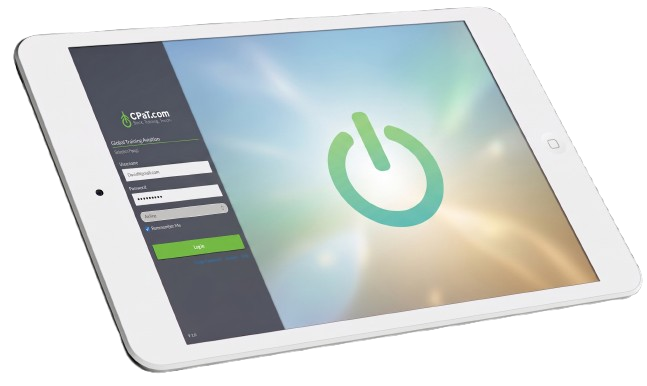
The CPaT Mobile App allows students to log in to the Access learning portal and training courses offline. They can quickly download assignments and train on any device at their convenience, anytime, anywhere. Once the CPaT Mobile App senses an internet connection, the students are prompted to sync their progress to the CPaT LMS.
Download assignments for offline study and completion, train at your convenience anytime, anywhere.
Compatible with iPad and Android tablets available through Google Play, the App Store, or company MDM.
Compatible with Windows 10 and Surface Pro, available through CPaT’s LMS.
Offline training automatically syncs with LMS when an internet connection is established.
Download our latest brochure for a comprehensive overview of our LMS, courseware, and content development platform. Explore how we support our clients with scalable, compliant training solutions designed for safety-critical operations.
Explore our most informative overview videos highlighting our LMS, courseware, and content-design platform, and the value we deliver to organizations worldwide.
Contact us to request a free trial of our aviation portfolio, our offerings for other industries, and our training systems. This trial is designed specifically for commercial clients.